

Report it. Announce it. Follow it to the end.
One home on Plaazaa for your municipality, SAO or district: residents report problems and see every status update, and your office speaks with one official voice.
Residents are always free. Pilot offices are invited first.
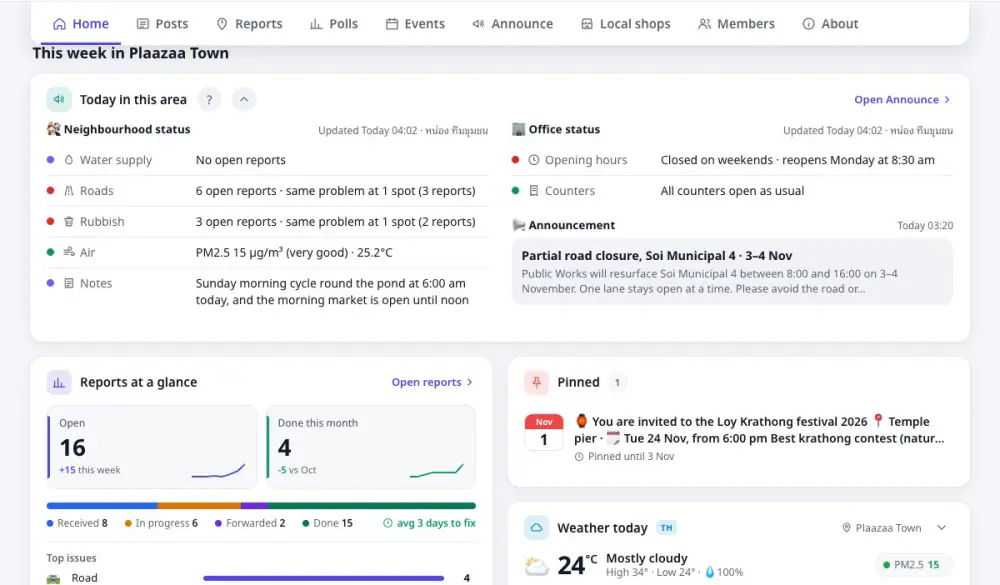
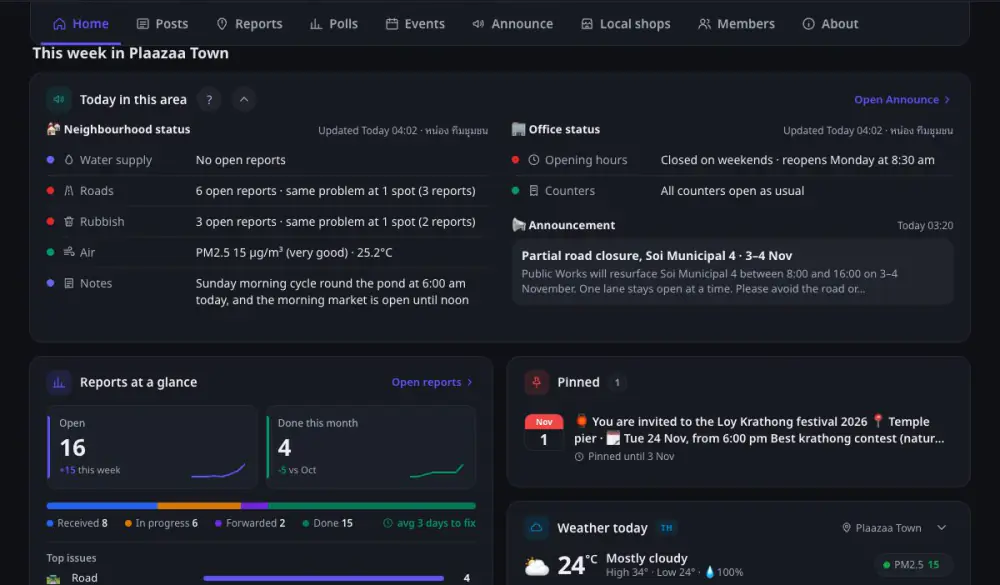
A problem reported is a problem you can follow
Broken street light, damaged road, missed rubbish pickup — snap, pin, send, and see every status update.
- 1
Report
Photo and location from a phone.
- 2
Office receives
Forwarded to the team that owns it.
- 3
Track
Notified when it is fixed, with before / after.
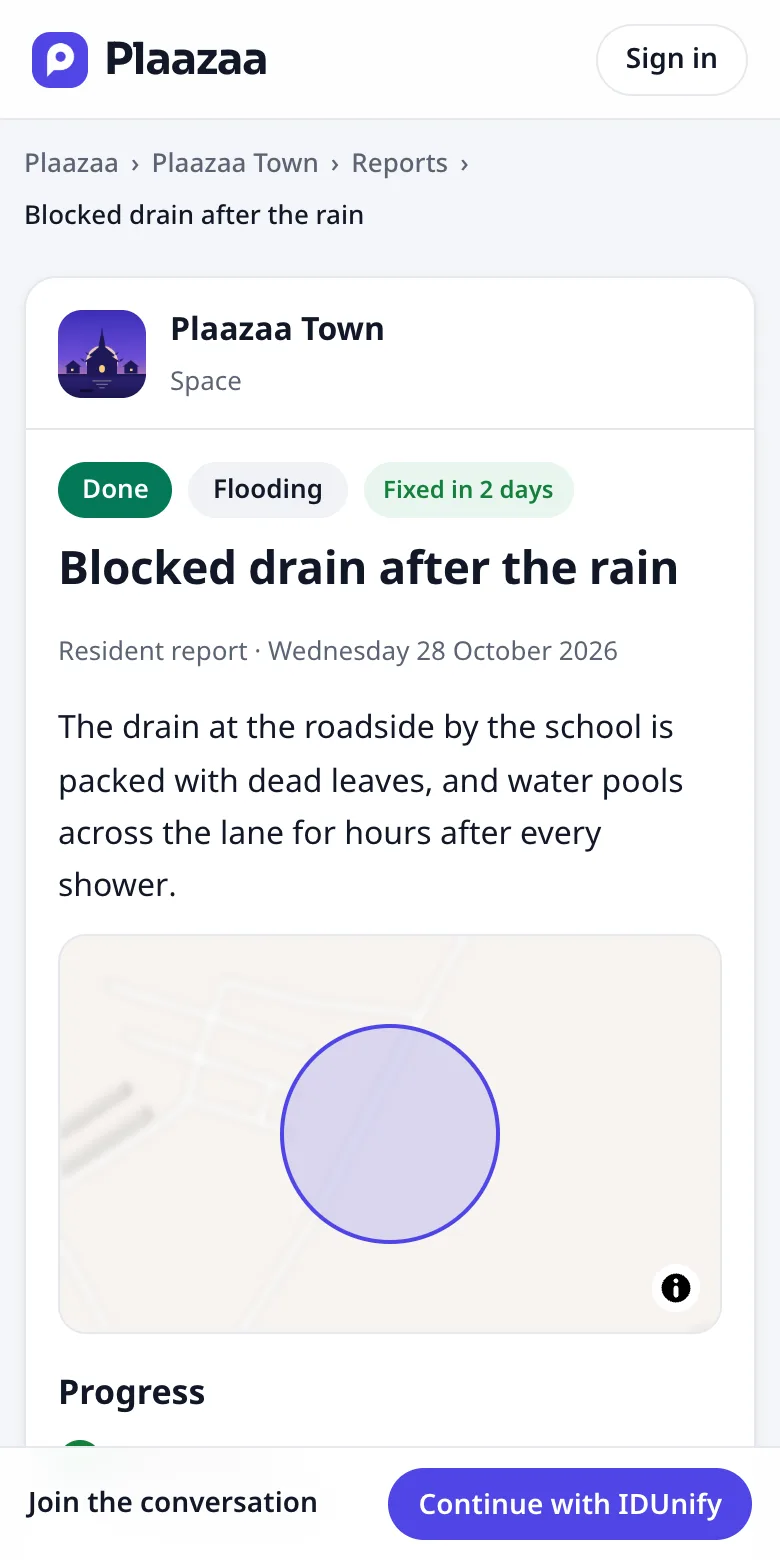
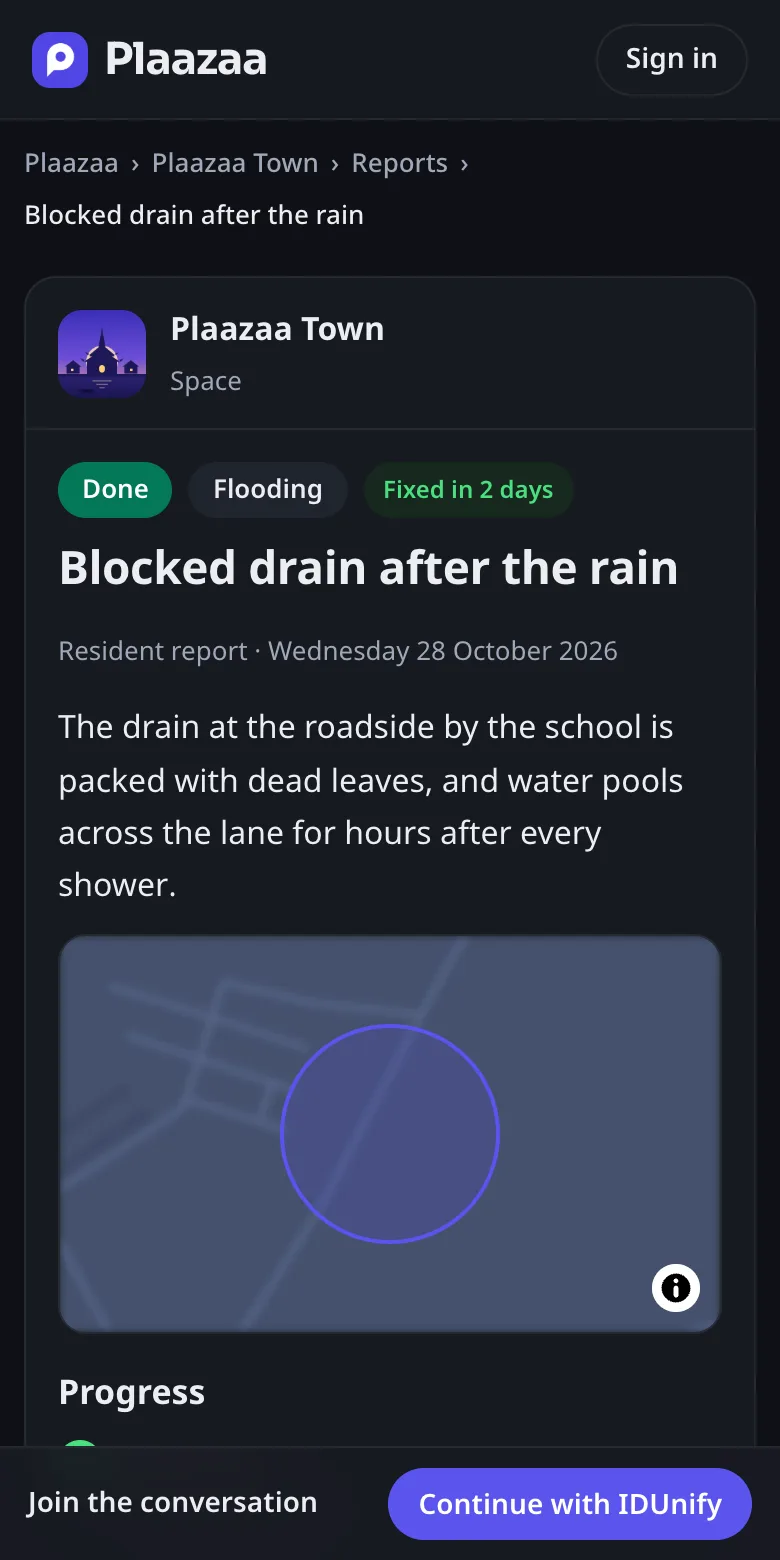
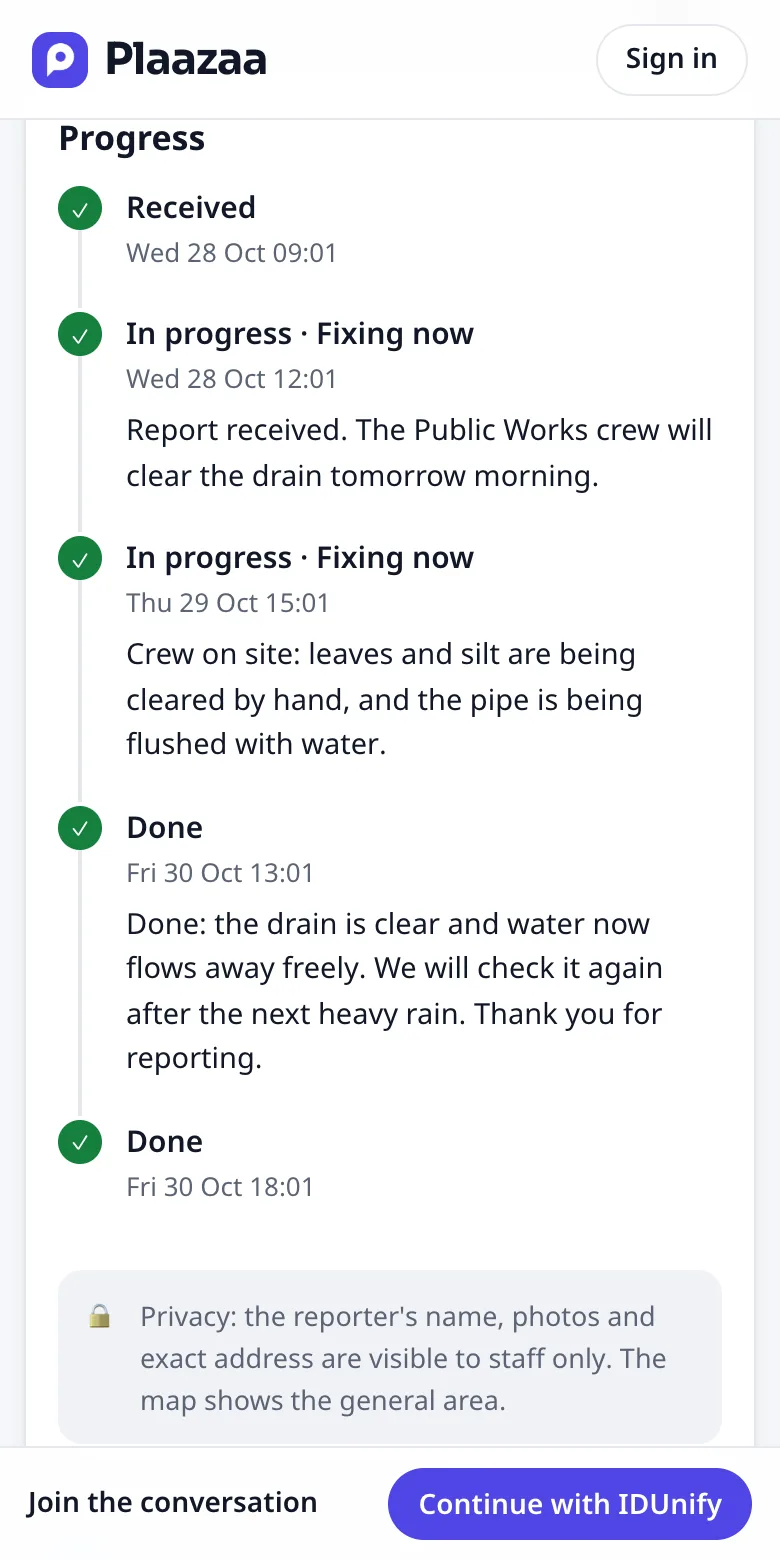
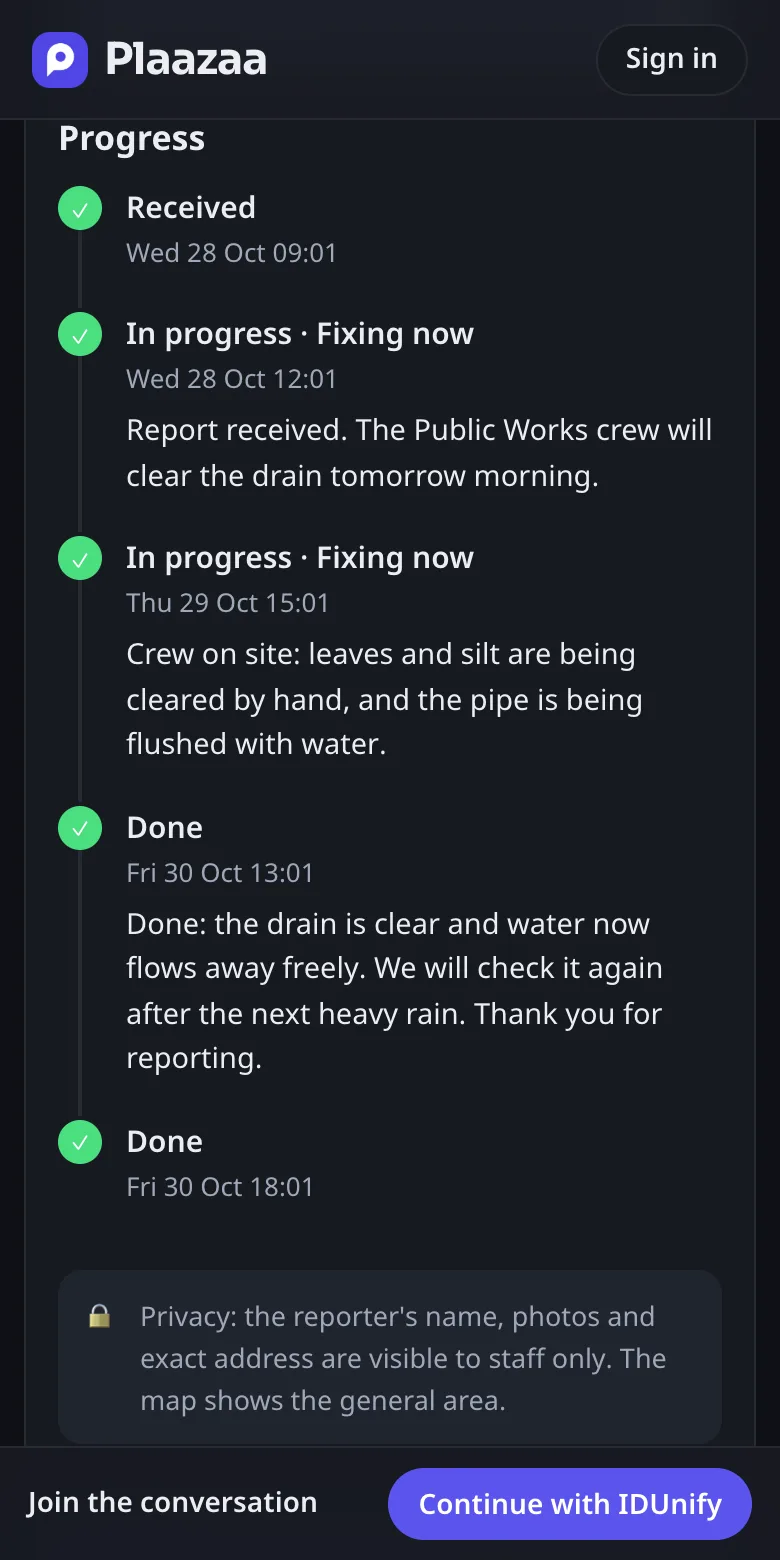
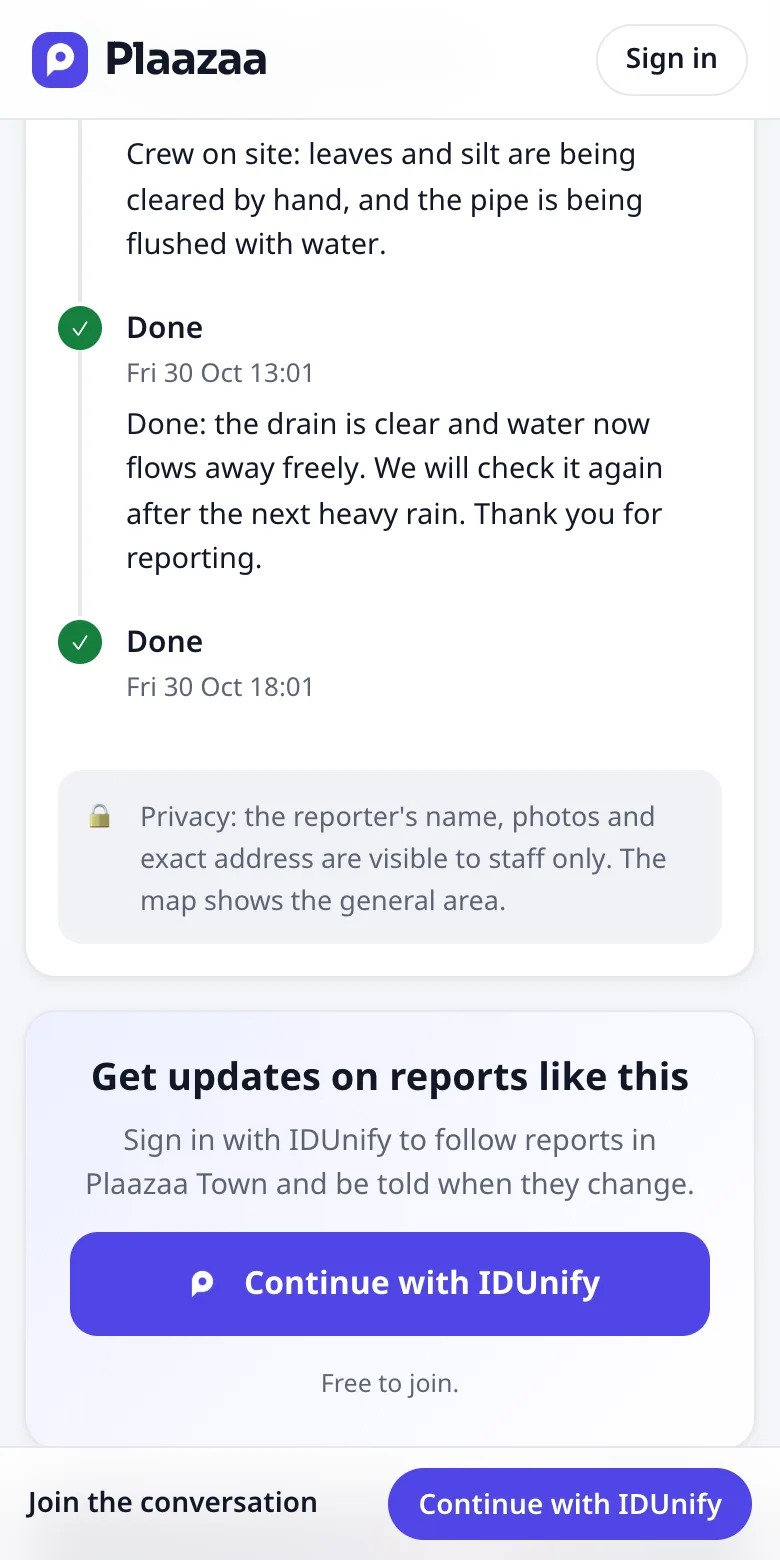
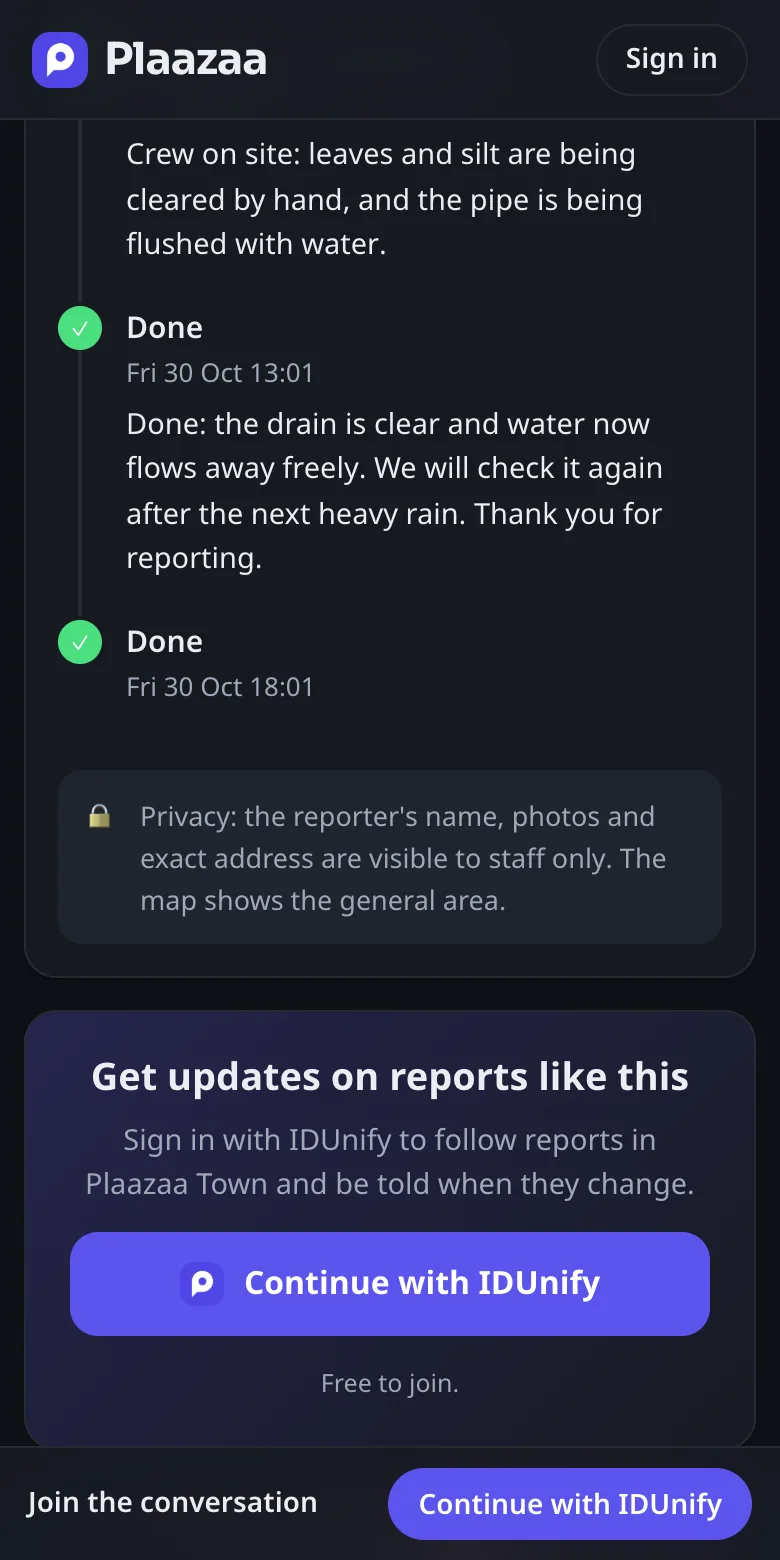
Live example: report 5371 in the Plaazaa Town demo. Residents see the status; the reporter name, photos and exact address stay with staff, and the map shows only the general area.
Four tools your town uses every day
Plus posts and photos, chat, polls, files, roles and notifications in every Space. Tools roll out in stages during the pilot.
Plaazaa Report
Residents snap, pin and send. The office receives, forwards to the right team, closes with before / after photos.
Plaazaa Announce
Daily neighbourhood and office status, warnings people must see, and a public archive of official announcements.
Plaazaa Events
Fairs, sports days, meetings — with RSVPs and reminders to the people around.
Local shops
Shops in your area, listed free, with open-now, offers and a map. Plaazaa staff check them; the office does not have to.
Evidence collected as you work
Every report keeps its number, status, owner and photos. The Reports summary and the public archive of official announcements are ready to support your ITA and LPA documents, without a separate spreadsheet.
- Reports summary: open, in progress, forwarded, done, average days to fix
- Public archive of official announcements and press notices
- Summary pages named “LPA / ITA summary”
We help you collect the evidence. Scores are decided by the assessors.
Open a Space for your office
For municipalities, SAOs and PAOs. Tell us who you are; we reply to set up a short call.
- Request a Space
- Verify your organisation
- Invite staff and residents
Questions from offices
Do residents pay?
No. Residents are always free.
How is this different from a Facebook page or a complaint form?
Complaints do not sink into comments. Every report has a number, a status, a responsible team, and before / after photos, and the office owns the Space.
Who can post as the office?
Staff you invite, with roles you set: admins, staff and members.
Run a shop in a town? Plaazaa Space for Business →
One account for all your communities
Sign in with IDUnify first — it takes a moment and works on every Plaazaa Space. Or make a Plaazaa account with a username.